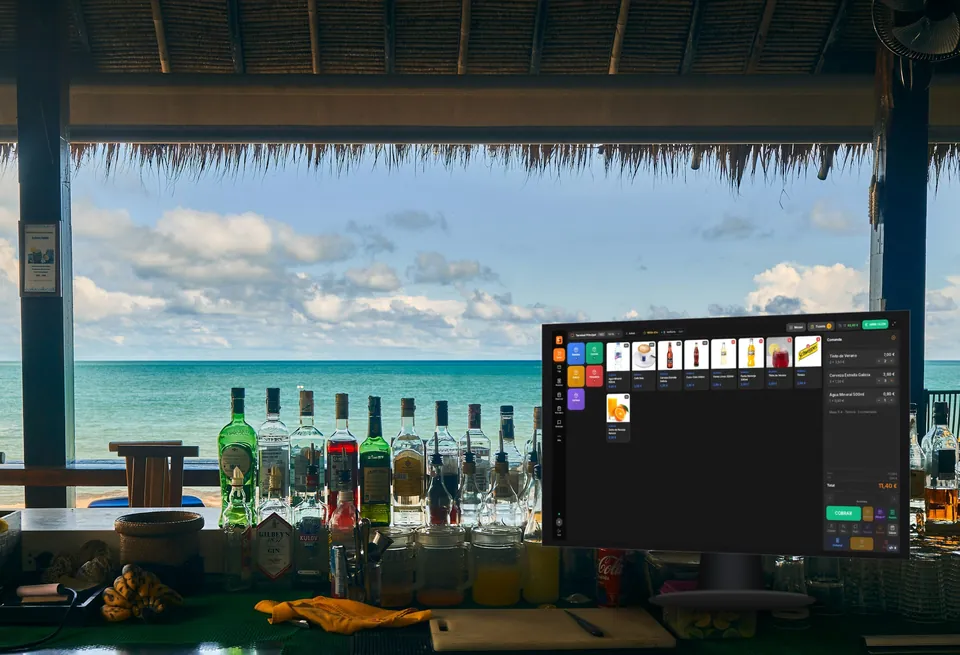
Hospitality · Retail · Services
The internet goes down. Your till keeps selling.
Windows POS built for shops, bars and appointment businesses. It keeps taking payments offline and, when the connection returns, syncs everything in order.
VeriFactu included in every plan · No commitment · Spanish company



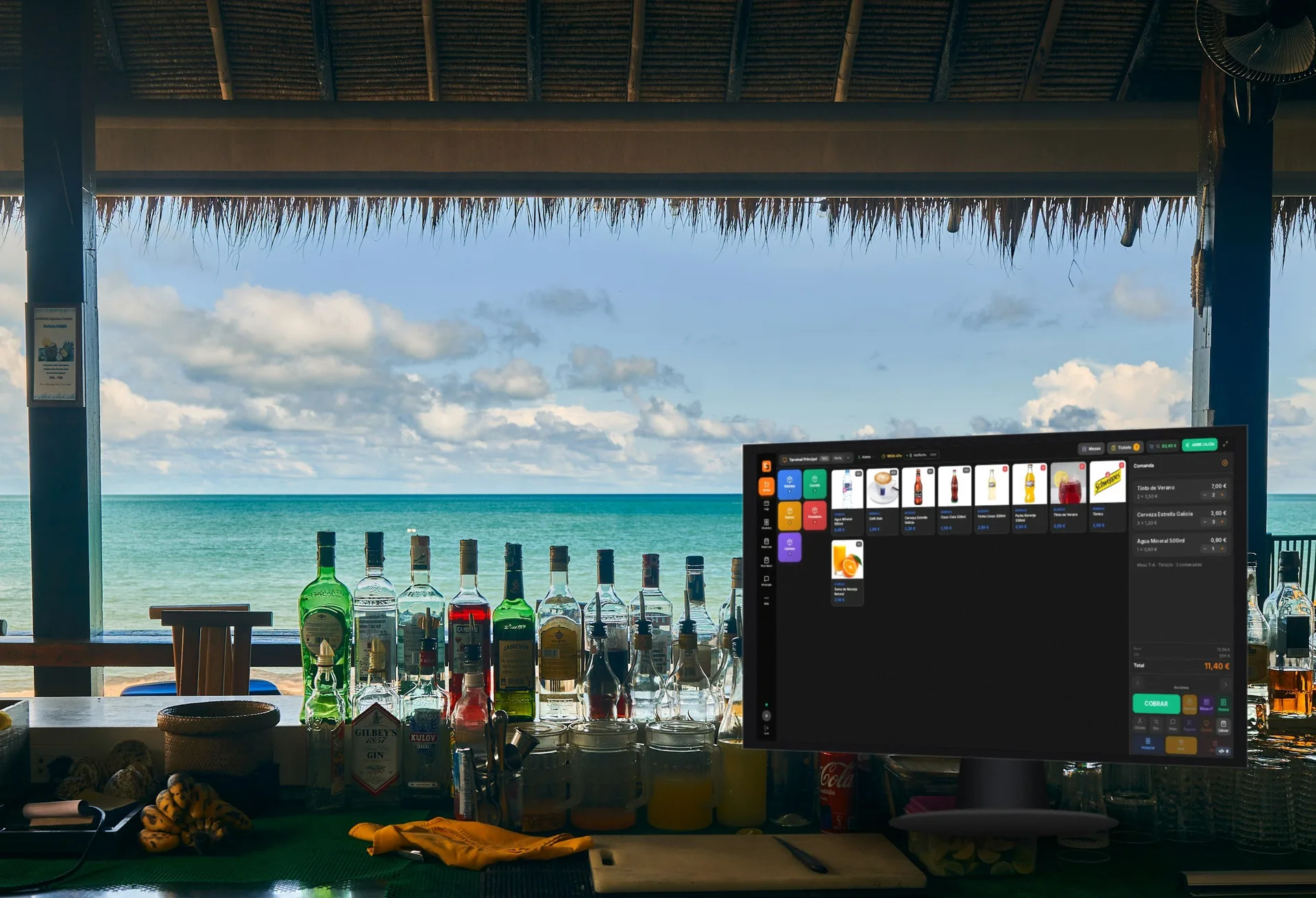



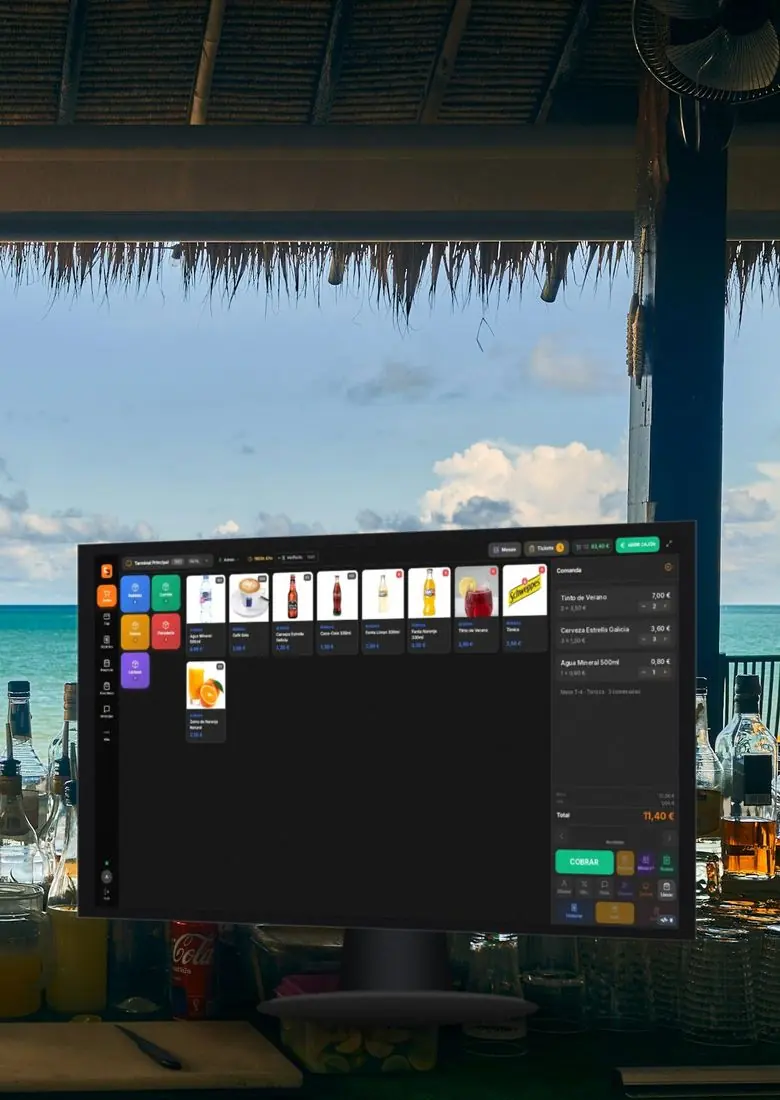
Offline
Cut the Internet. Watch it keep taking payments.
Try it right here: cut the connection, ring up a few sales and reconnect. That's how TakumiPOS works at your counter.
- Sell offlineSales, orders and catalogue keep working even if the wifi or fibre goes down.
- Syncs by itself, in orderWhen the connection returns, everything uploads in the order it happened. Hands-free.
- Your data, on your computerLocal database included, with backups. You don't need the cloud to take payments.
- Sales today
- 43
- To sync
- 0
- Status
- online
- Ticket #1846 · 3,00 €2 lattes Synced
- Ticket #1845 · 8,20 €2 draught beers · 1 patatas bravas Synced
What it does
Everything that crosses your counter.
Sell, take cash, card or Bizum, balance the till and run the Z report. The daily routine, no fuss.
-
Quick sale
Search by name, barcode or scanner, with 4 screen layouts. Line or total discounts and itemised VAT.
-
Take payment however they want
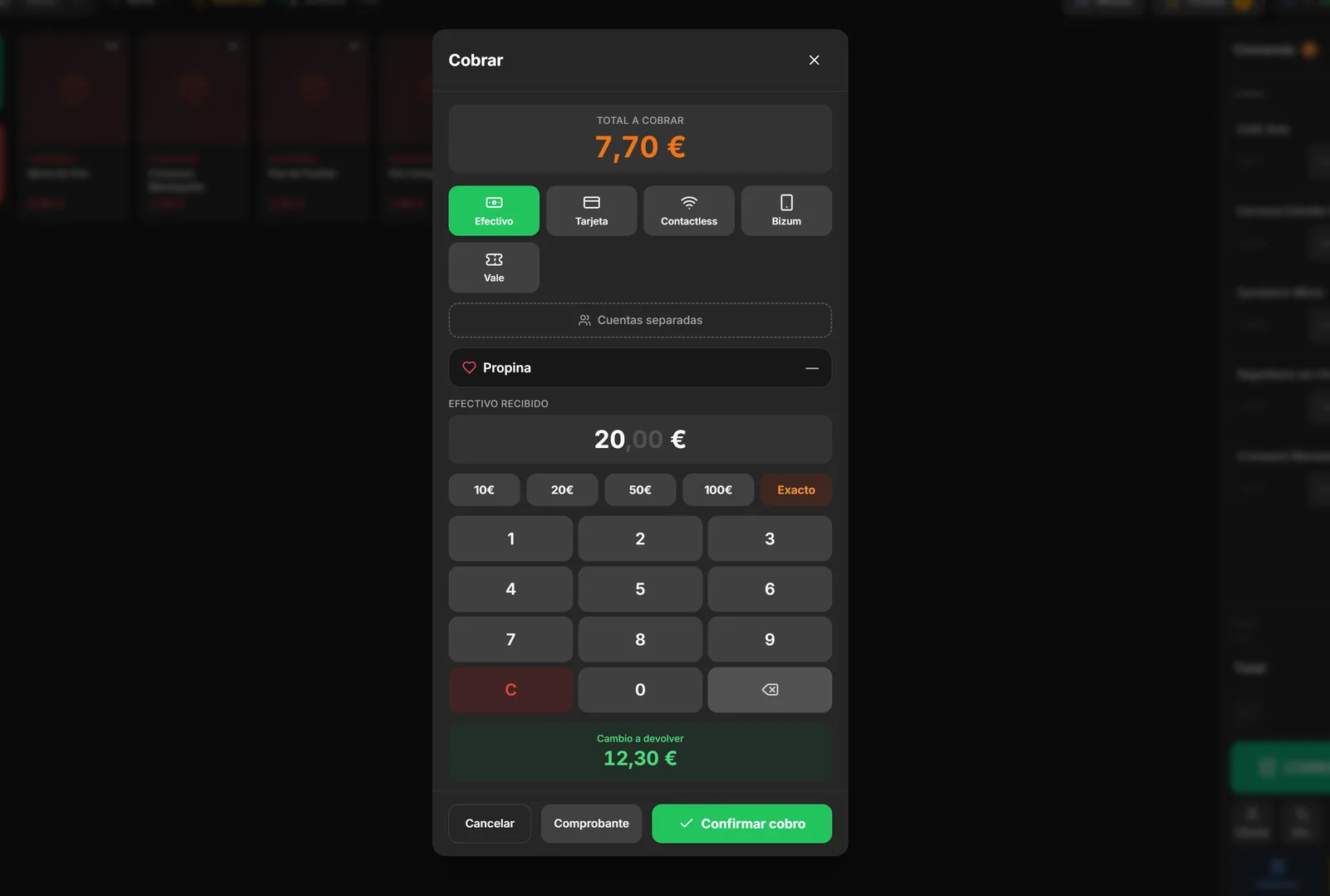
Cash with change, card, contactless, Bizum and vouchers, mixed in a single payment. Split bills and tips.
-
Till that balances
Shifts per cashier, cash count, cash movements and Z report as PDF or printed.
-
Tables, kitchen and handheld
Floor plan with table status, send to kitchen, KDS screen and handheld ordering on phone or tablet.
-
Bookings, takeaway and delivery
Booking diary and calendar, order kanban and integration with Glovo, Uber Eats and Just Eat.
-
Stock and reports
Inventory per warehouse, batches with expiry dates, labels and 10 management reports as PDF, CSV or email.
Your business
Shop, bar or clinic: you choose.
One program, three modes. Pick yours when you install and the screen adapts to it.
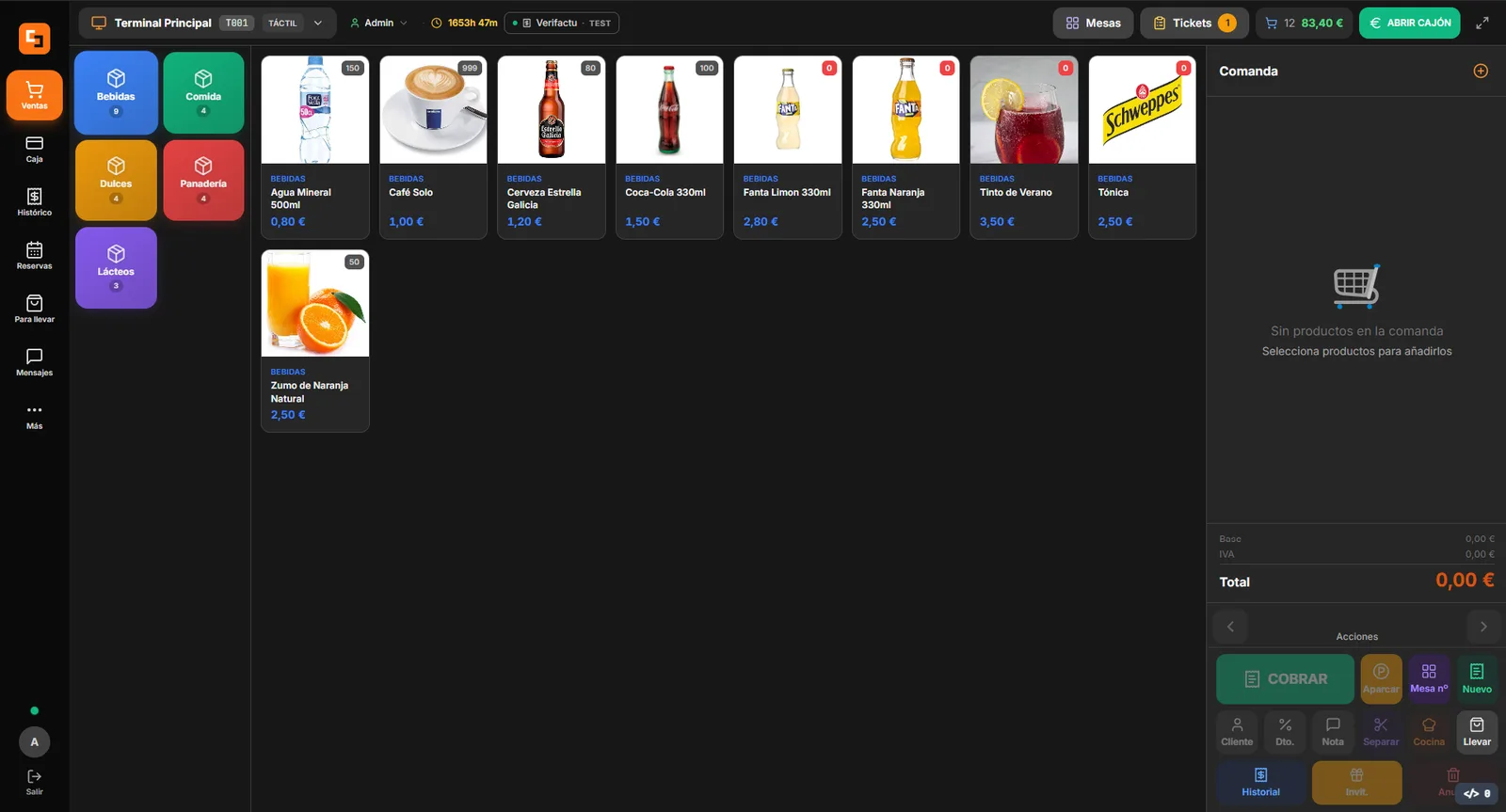
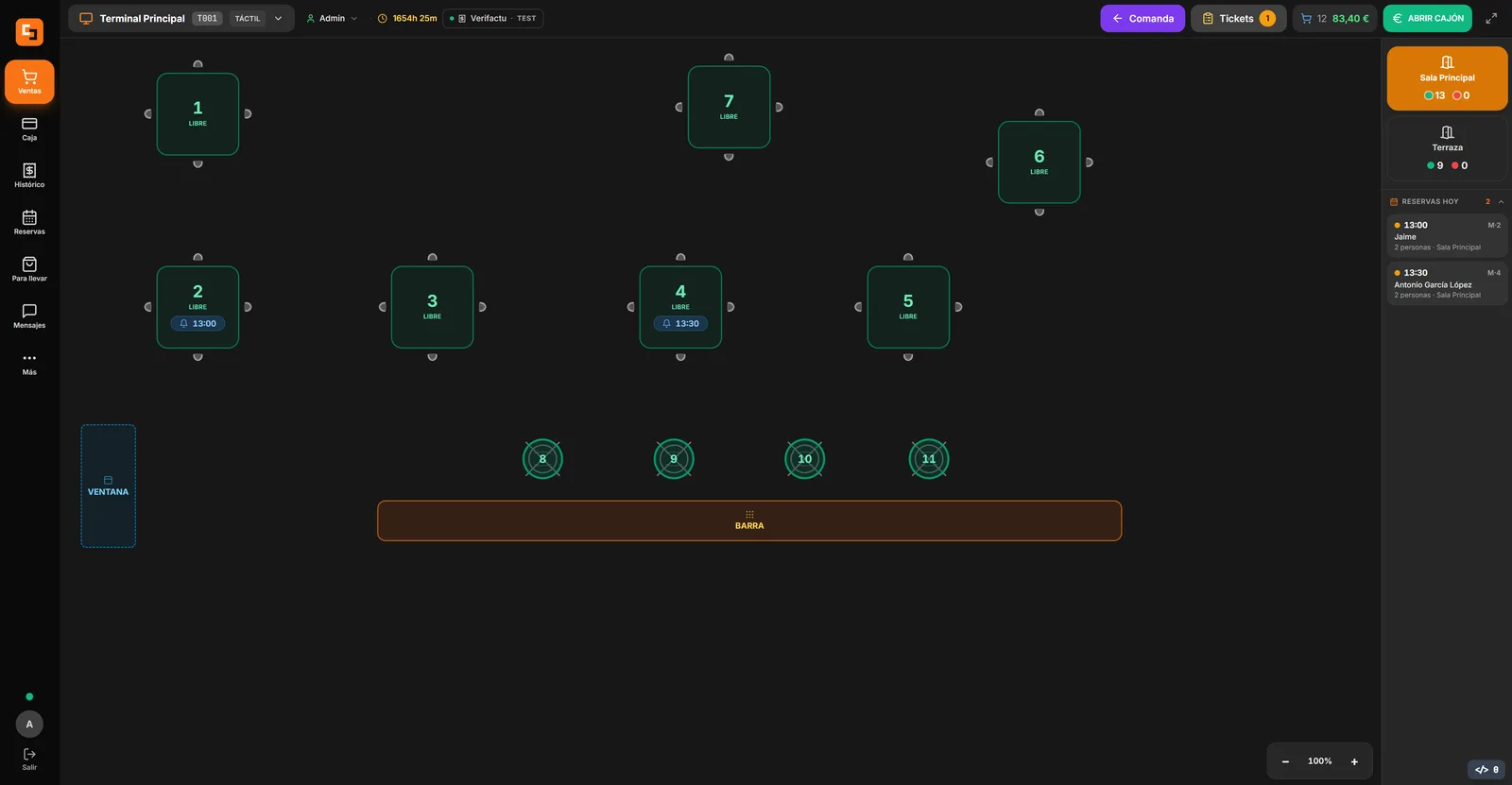
Hospitality
Bars, cafés, restaurants and beach bars. From table to kitchen, from handheld to till.
- Table plan with colour-coded status
- Handheld ordering on mobile and kitchen display
- Today's bookings on the same screen
- Glovo, Uber Eats and Just Eat
Reliability
Keep the till ringing.
- Database includedPortable PostgreSQL on your computer, with backups.
- Over 60 permissionsDecide who does what, with an audit trail of every action.
- The hardware you already have58/80 mm thermal printers, cash drawer, scales and scanners.
- Automatic updatesThey download on their own and, if something fails, roll back safely.
Installation
Download, install, start selling.
A signed installer that brings everything, database included. No servers to set up: a wizard gets you ready in 4 steps.
- Activate your license with the key you received after purchase.
- Enter your business details (name, tax address and CIF/NIF for receipts).
- Choose your business type: Restaurant or Services.
- Create the first administrator user with their access PIN.
Requirements
- System
- Windows 10 · Windows 11 recommended
- RAM
- 4 GB minimum · 8 GB recommended
- Disk
- 500 MB · 1 GB SSD recommended
- Display
- 1280×720 · 1920×1080 touchscreen recommended
On a local network you can connect the kitchen display, the order terminal and the customer display from tablets, phones or a second monitor.
Try it free for 30 daysPricing
Clear pricing, per register, no commitment.
Per till and per month. All three plans include the full program: what changes is the support.
Base
Price per till · 1 licence = 1 till
Contact us- Updates included
- AI-powered support
- Email if the AI can't solve it
Pro
Price per till · 1 licence = 1 till
Contact us- Everything in the Base plan
- Human support via tickets
- Priority on incidents
Premium
Price per till · 1 licence = 1 till
Contact us- Everything in the Pro plan
- Phone support
- Opening ticket required
Perpetual license
Price per till · 1 licence = 1 till
Contact us- Yours forever, at the version available on the purchase date
- AI support always included
- Does not include updates or human support
An optional annual maintenance plan (€250/year) adds updates and human support.
VeriFactu included as standard, per till. AEAT compliance (RD 1007/2023) included in every plan, at no extra cost. Tested against the AEAT pre-production environment.
Excluding taxes (VAT / 7% IGIC in the Canary Islands). No minimum term. Initial setup is not included.
Does it work without an Internet connection?
Where is my data stored?
What do I need to install it?
Does it work for restaurants and shops?
Is it compatible with my printer and hardware?
Can I use multiple terminals and devices?
How does the license work?
Who's behind it?
Try it for 30 days at your own counter.
Install it, take payments, run a Z report, then decide. If you'd rather we show you first, we'll give you a guided demo.